DVIDIA / Skills
What will you teach?
Start with a task. Build a brief. Gather demonstrations.
About this tree
Topics organize proposed tasks, not prerequisites. Classes describe the kind of work; they do not rate footage, establish rewards or show robot readiness. Topic images are illustrations. Related footage uses publisher categories and may cover a broader topic than the selected task.
Start with something real
Skills taking shape.
Open footage. Visible annotations. Room to contribute.
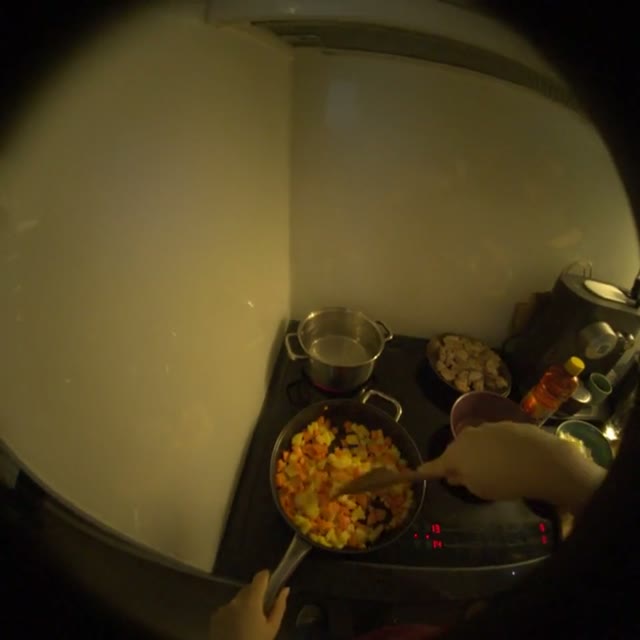 3 clips
Food preparation
Small kitchen actions: stirring, handling an onion and beginning a cut.
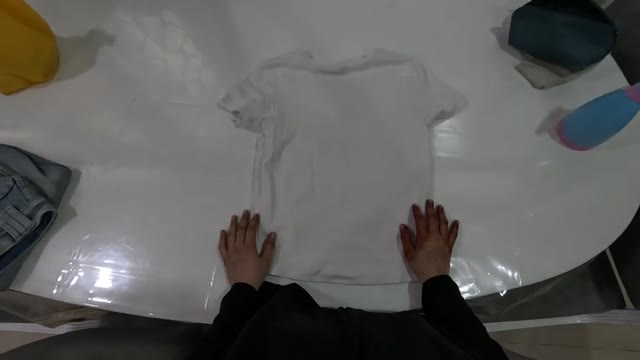 2 clips
Clothing folding
A shirt and a pair of jeans, seen through the first stages of folding.
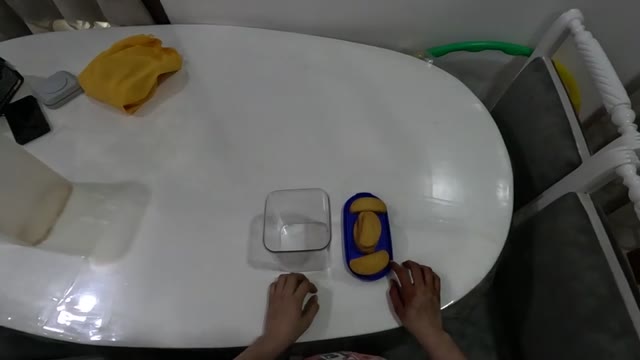 1 clip
Packing items
An early example of moving an item from a tray toward a container.
Ideas to contribute · Browse real footage


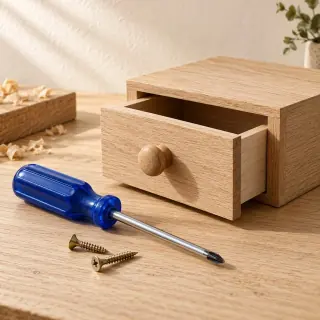

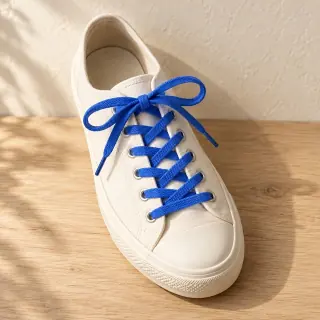
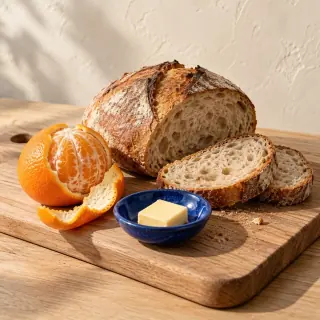

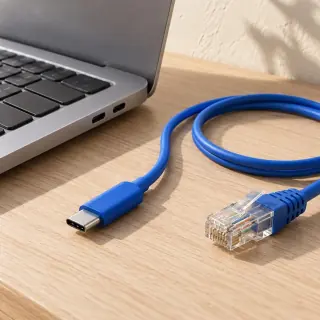
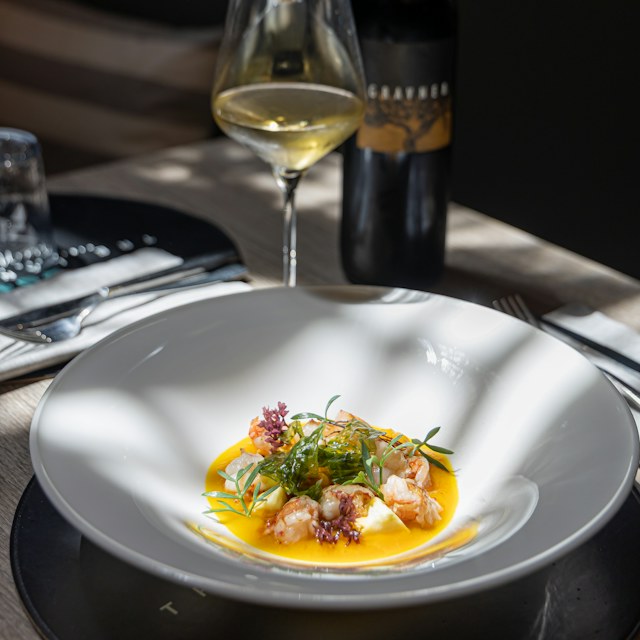
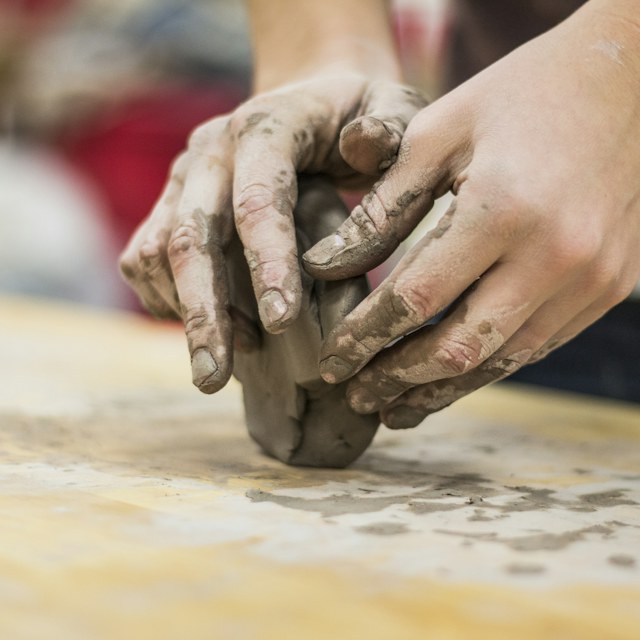
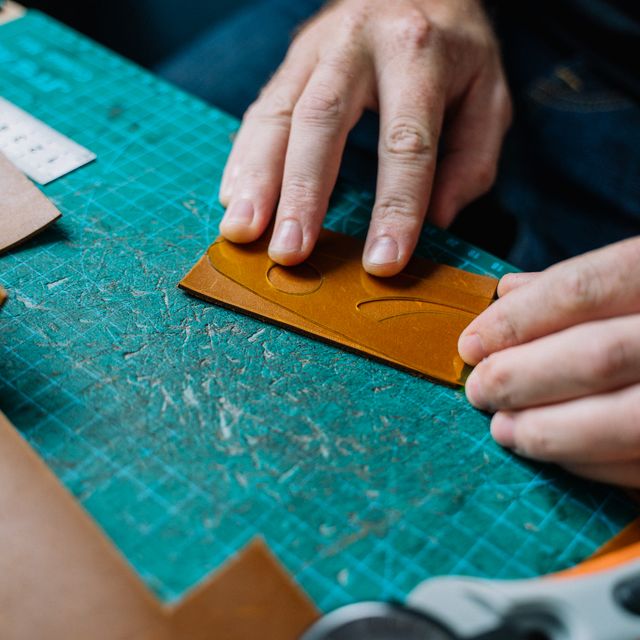
Image credits
The first three tiers use AI illustrations. Artisan uses real reference photographs. These images show example skills, not recording previews.
- Fine cooking — Tommaso Ubezio, Unsplash License.
- Ceramics — Alex Jones, Unsplash License.
- Leatherwork — Anna Tarazevich, Pexels License.
What makes a useful video?
Show the work.
Keep your hands and the task visible. Record a complete attempt, with a clear result.
Clarity over camera price.
Useful context, steady framing and detail matter. Higher resolution alone does not establish quality.
Storage is a separate choice.
Contributing does not require a purchase. Planned premium tiers add hosting capacity; open releases keep their licenses.
About storageHow does footage become a robot skill?
Show how it’s done.
A person records a real task. Keep the original footage, contributor credit and permission together.
Useful for observing actions and outcomes.The path we’re building. DVIDIA does not yet offer robot-tested policies.
A skillspace brings a task, its demonstrations and review together. A video is a starting point; training and real-world testing still come next.
Plan a skillspace