Hardware / Capture guide
Your phone is enough.
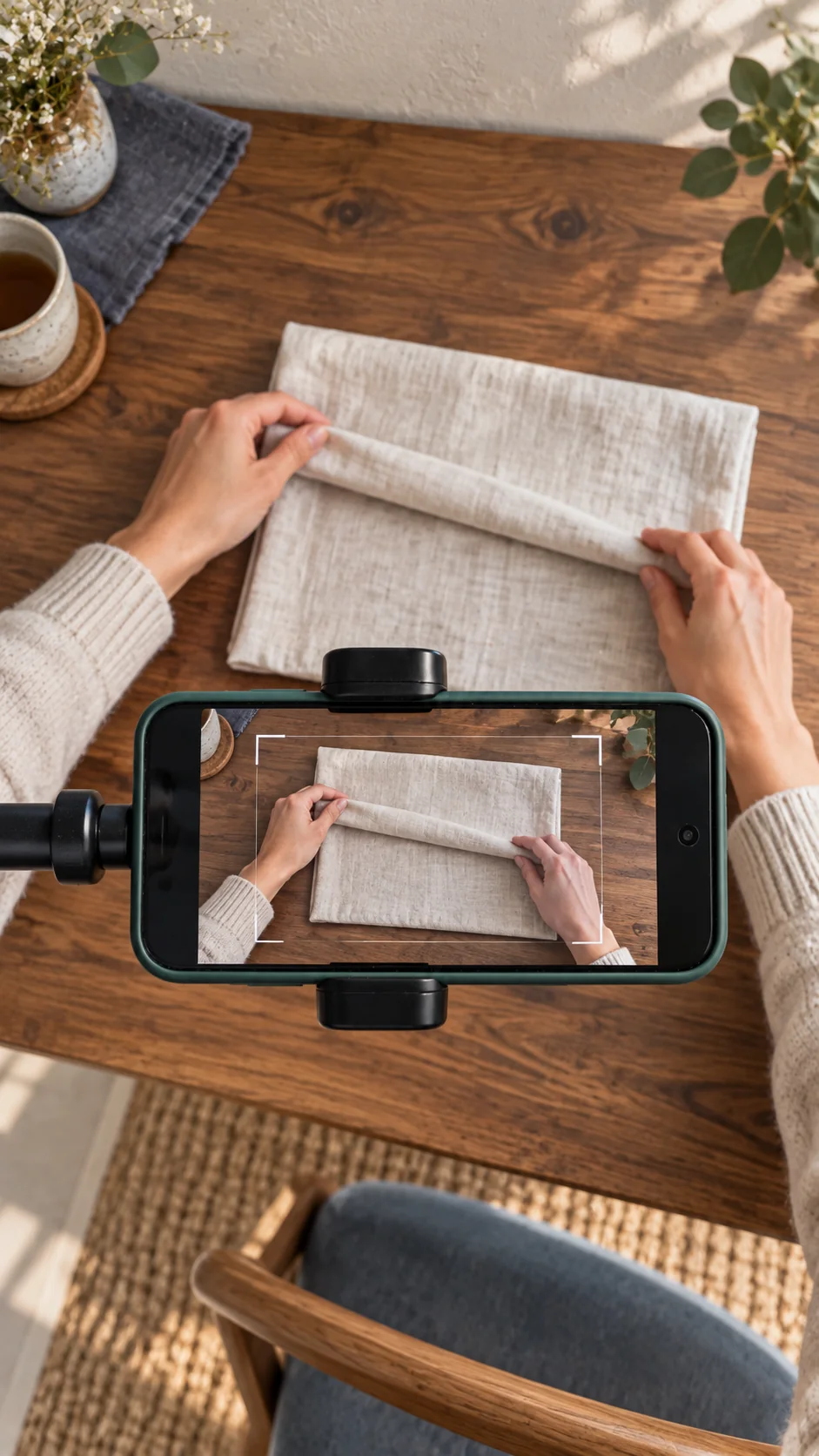
Three simple steps
Mount it.Rear camera down. Hands free.
Frame the work.Both hands, tools and object in view.
Capture one task.Record in your camera app. Add it here.
Preview your clip before you decide to send it.
Explore the planned mounting setupUsing a webcam or another browser?
Choose Record instead on the Add video page. Connect a USB webcam first if needed. Your browser must recognize the camera and support video recording. Choose the camera in your browser’s permissions or settings. Compatibility varies by device.
Already working with robots?Explore open hardware
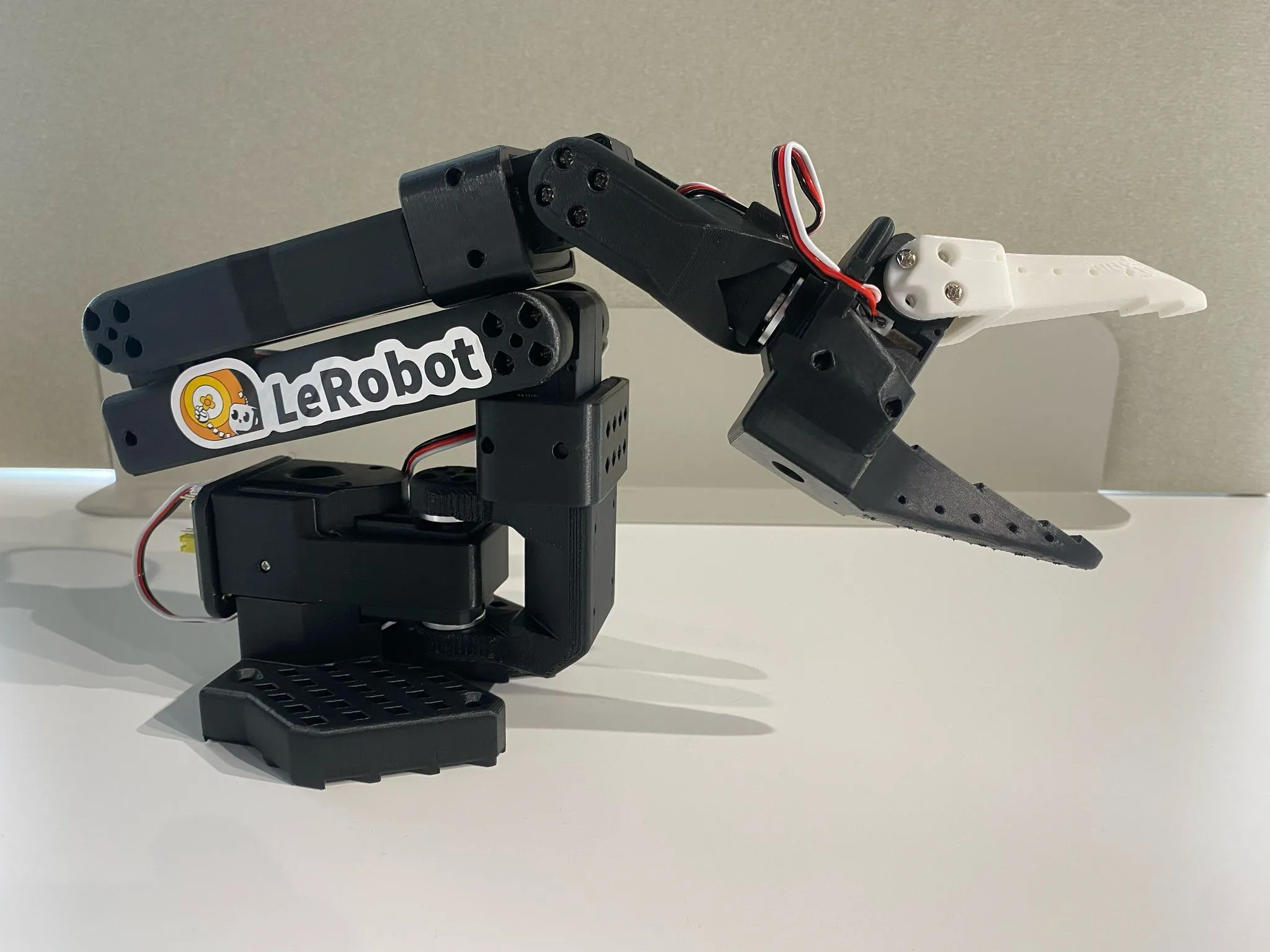
Research path / SO-101
Go from video to robot data.
SO-101 works with LeRobot for teleoperation and robot demonstrations. Training needs actions and observations, not human video alone.
Read the LeRobot setup guideExternal setup guide. DVIDIA does not connect to or control this arm yet.
Looking for GPUs and open-weight inference?Visit OWterminal